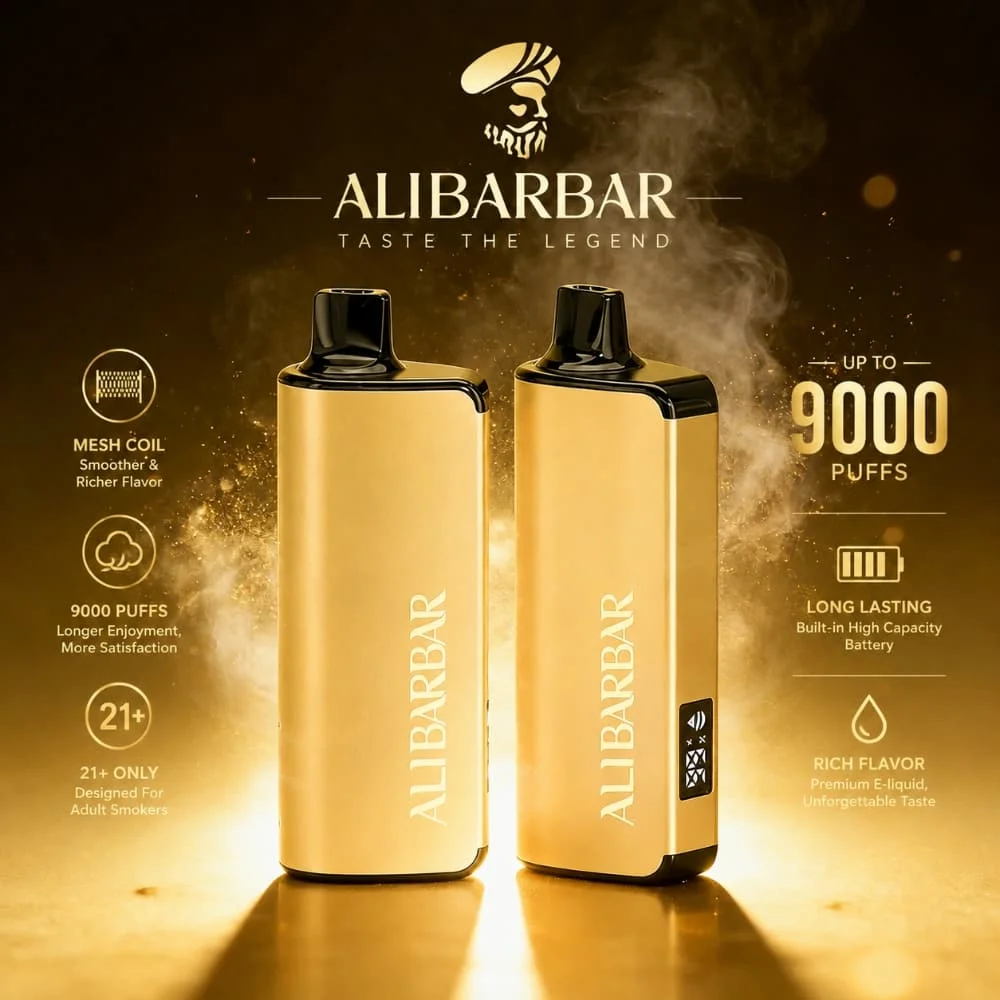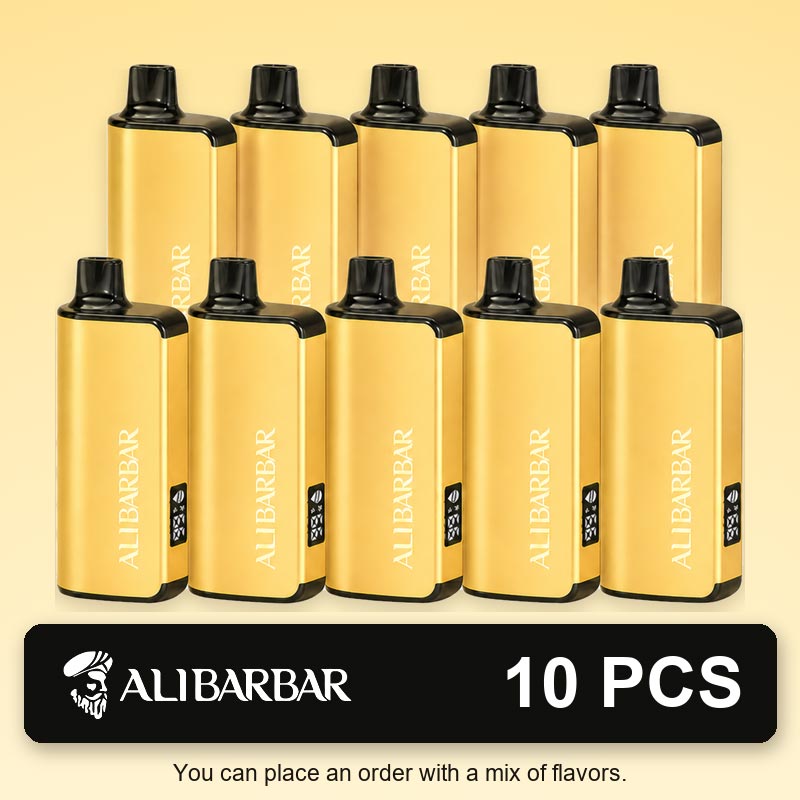



Is your ALIBARBAR Ingot 9000 producing no vapour, showing an unusual display, tasting burnt or developing condensation around the mouthpiece? This guide explains the safe external checks you can perform and the warning signs that mean the device should no longer be used.
If you want to check the standard device format and available options before troubleshooting, you can also view the ALIBARBAR Ingot 9000 range on Puffdeal.
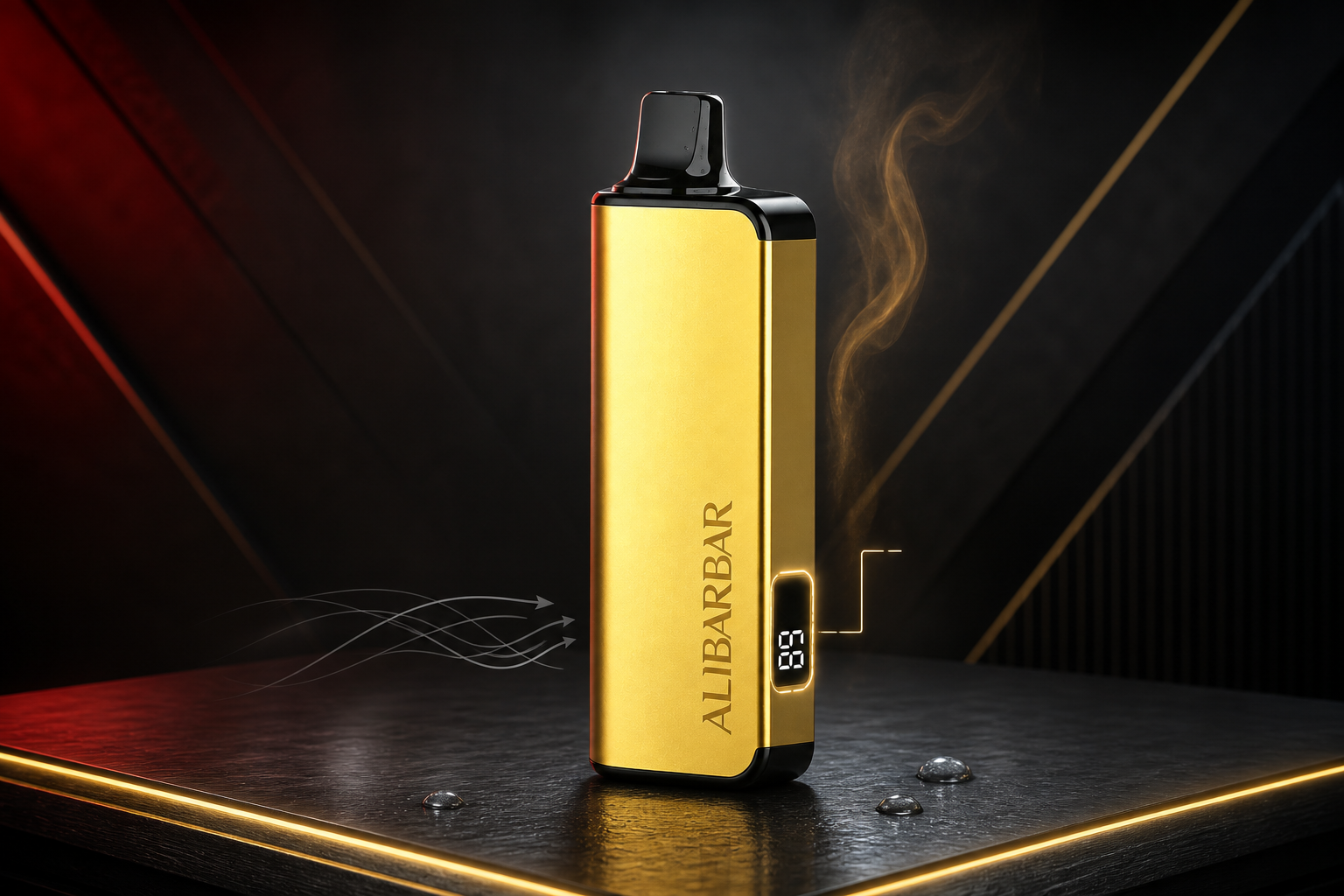
Important Product Information Before Troubleshooting
The ALIBARBAR Ingot 9000 model covered in this guide is a sealed, non-rechargeable device. It does not have a USB or Type-C charging port. Its side display indicates the approximate remaining e-liquid level; it does not show battery percentage.
Before working through individual symptoms, you may also want to review the current ALIBARBAR Ingot 9000 specifications to confirm the standard battery, e-liquid capacity, coil and non-rechargeable device format covered by this guide.
Contents
Quick Troubleshooting Table
| Problem | Possible Explanation | Safe Check | Stop Using When |
|---|---|---|---|
| No response from a new device | A protective mouthpiece plug or base sticker may still be attached. | Remove all external packaging and check that visible airflow openings are uncovered. | The device remains unresponsive or appears damaged after unpacking. |
| No vapour | The airflow opening may be covered, or the device may have reached the end of its operating life. | Check the exterior airflow area and wipe the mouthpiece with a dry tissue. | The display behaves unusually, the device becomes hot or no response returns. |
| Weak flavour | The e-liquid may be low, or the internal wick may need time to resaturate. | Check the e-liquid display and leave the device upright for several minutes. | The flavour remains dry, harsh or burnt. |
| Burnt taste | The liquid may be nearly empty or the heating element may no longer be properly saturated. | Stop immediately and leave the device upright in a cool, dry location. | The burnt taste returns after resting. |
| Gurgling or moisture | Condensation may have collected around the mouthpiece. | Wipe only the accessible exterior with a clean, dry tissue. | Liquid continues to escape, reaches the mouth or covers the casing. |
| Unusual heat or smell | There may be an internal battery or electrical fault. | Stop using the device and place it away from combustible materials if safe to do so. | Immediately. Do not test it again. |
Why Is a Brand-New ALIBARBAR Ingot 9000 Not Working?
A new device that produces no response does not always have an internal fault. Before doing anything else, check that all external protective packaging has been removed.
Remove the Mouthpiece Protector
Check the black mouthpiece for a silicone cap or protective plug. Remove it completely without inserting tools into the mouthpiece.
Check the Base
Look for a clear protective sticker covering the bottom or exterior airflow area. Remove the sticker carefully and make sure no adhesive remains over the opening.
Inspect the Exterior
Check for dents, cracks, separation between casing panels, heavy leakage or damage caused during transport.
Try One Normal, Gentle Draw
Do not block the airflow holes or draw excessively hard. If the device remains completely unresponsive, stop testing it and contact the seller rather than attempting a mechanical repair.
Why Is My ALIBARBAR Not Producing Vapour?
The Ingot 9000 is draw-activated, so airflow is part of its normal activation process. A covered external air opening, condensation near the mouthpiece or an internal end-of-life condition may result in little or no vapour.
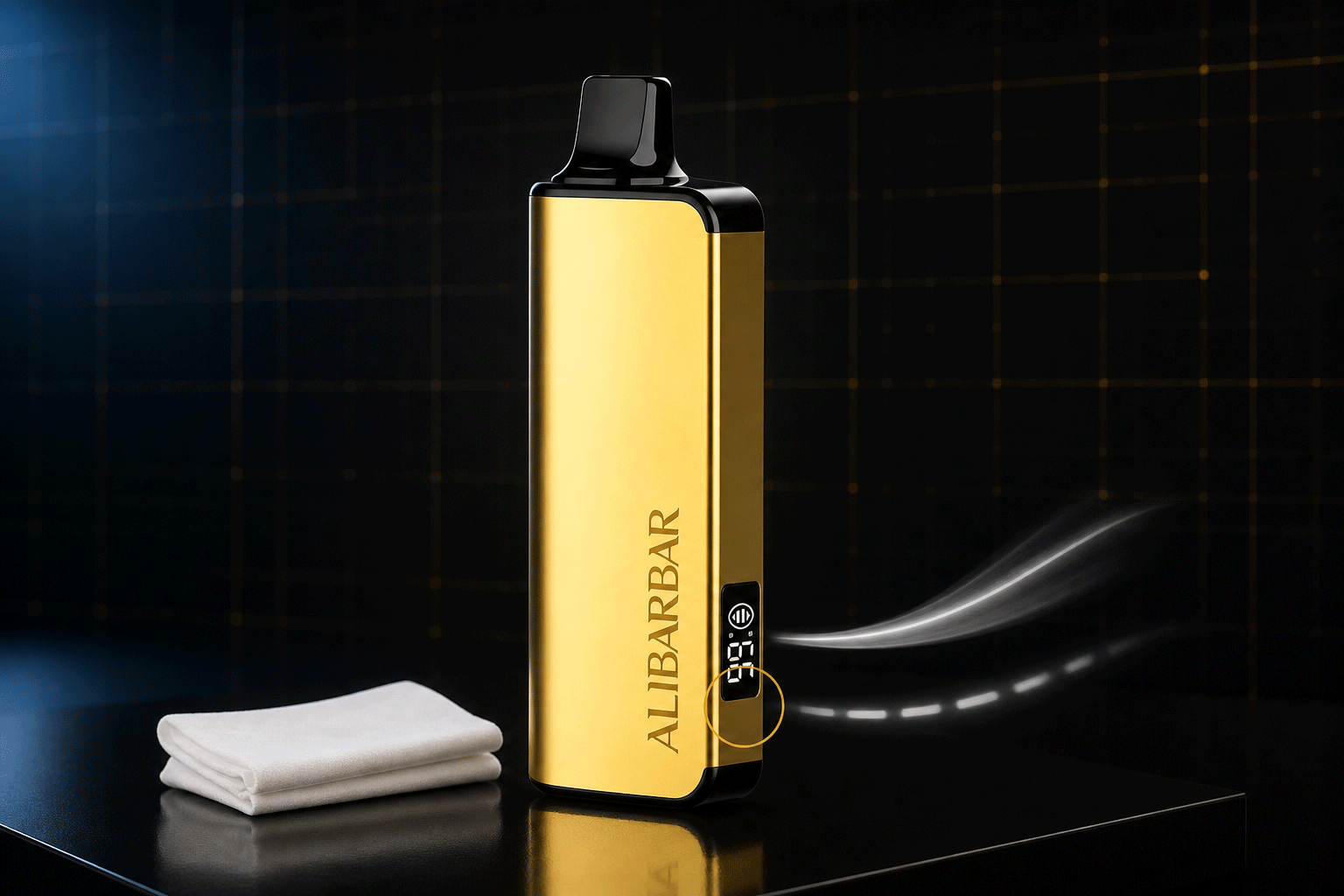
Safe Checks
Make Sure Your Hand Is Not Covering the Airflow Area
Hold the device naturally without placing a finger over any visible opening near the base or side.
Wipe the Exterior Mouthpiece
Use a clean, dry tissue to remove visible moisture. Do not pour alcohol, water or cleaning liquid into the mouthpiece.
Leave the Device Upright
Place it upright at normal room temperature for approximately 10 minutes. This may allow minor internal condensation or liquid distribution to settle naturally.
Check the E-Liquid Display
A very low or empty liquid indication, combined with weak flavour or no vapour, may mean that the device has reached the end of its usable life.
What Does the ALIBARBAR E-Liquid Display Mean?
The display on this ALIBARBAR Ingot 9000 indicates the approximate amount of e-liquid remaining. It is not a battery meter and should not be interpreted as a battery percentage.
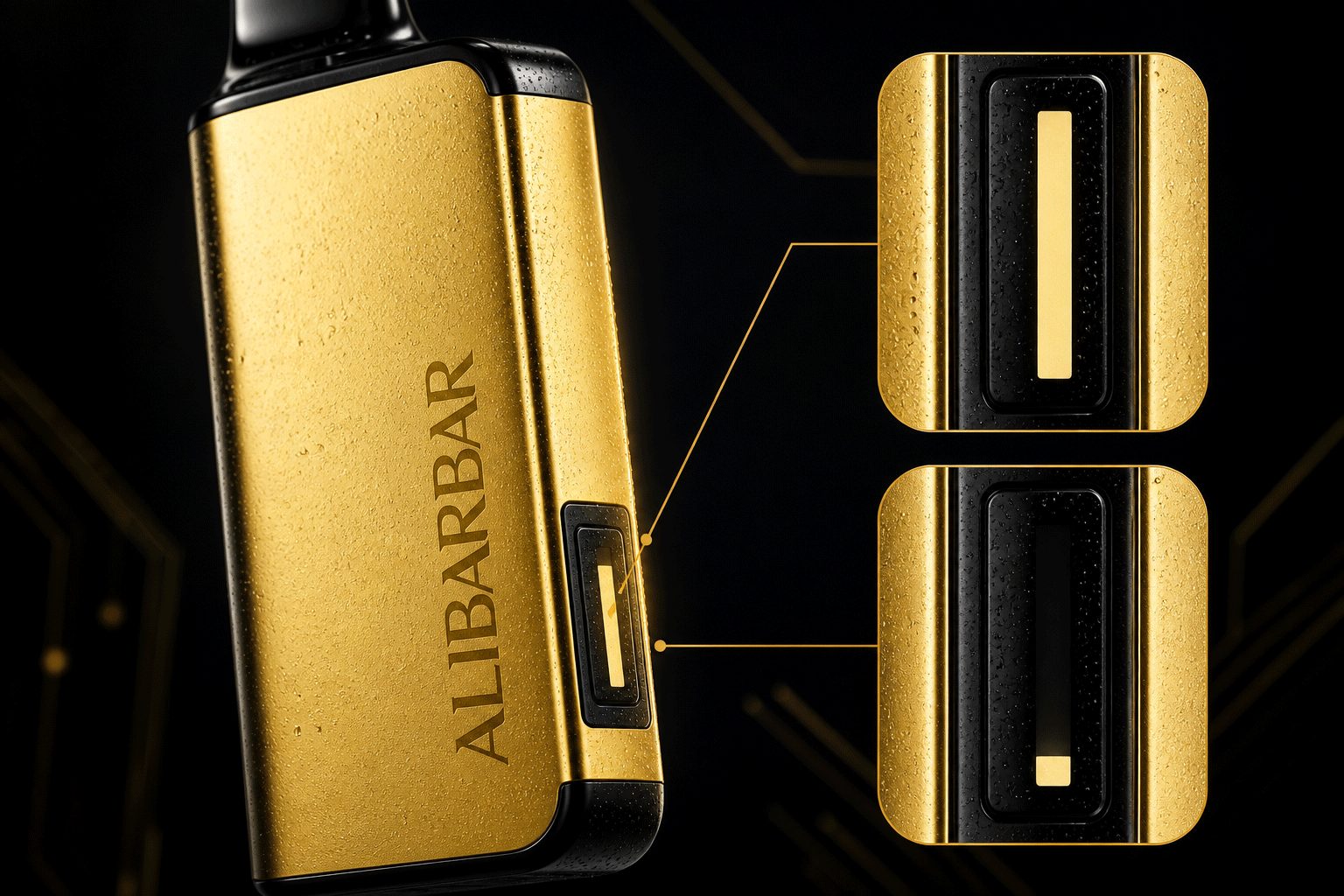
Treat the display as a general guide rather than a laboratory-level measurement. When the indication approaches empty, you may also notice reduced flavour intensity, shorter vapour output or a drier sensation.
A flashing, unstable or unusual display can indicate that the device is no longer operating normally. Exact light patterns may vary between production batches, so do not assume that a flashing number represents rechargeable battery status.
Why Does My ALIBARBAR Taste Burnt?
A burnt or dry taste can occur when the heating element is not receiving enough liquid, when the e-liquid level is nearly empty or when repeated use has not allowed enough time for the internal material to resaturate.
What to Do
Stop Using It Immediately
Continuing after a clearly burnt taste is unlikely to restore the flavour and may make the experience harsher.
Check the E-Liquid Indicator
If the display is close to empty, the device may simply have reached the end of its usable liquid supply.
Leave It Upright
Allow the device to rest upright in a cool, dry place for at least 10 to 15 minutes. Do not place it in a refrigerator, freezer, hot car or direct sunlight.
Retire the Device if the Taste Returns
If the first normal draw after resting still tastes burnt, stop using the device. Do not attempt to open it or add liquid.
Storage conditions can also affect the condition of a sealed device over time. For practical guidance on temperature, sunlight, moisture and everyday handling, see our ALIBARBAR Ingot 9000 storage and care guide .
Condensation, Gurgling and Leaking
A small amount of moisture around the accessible mouthpiece can be condensation. Heavy leaking, repeated liquid spitback or liquid running down the casing is not the same as normal condensation.
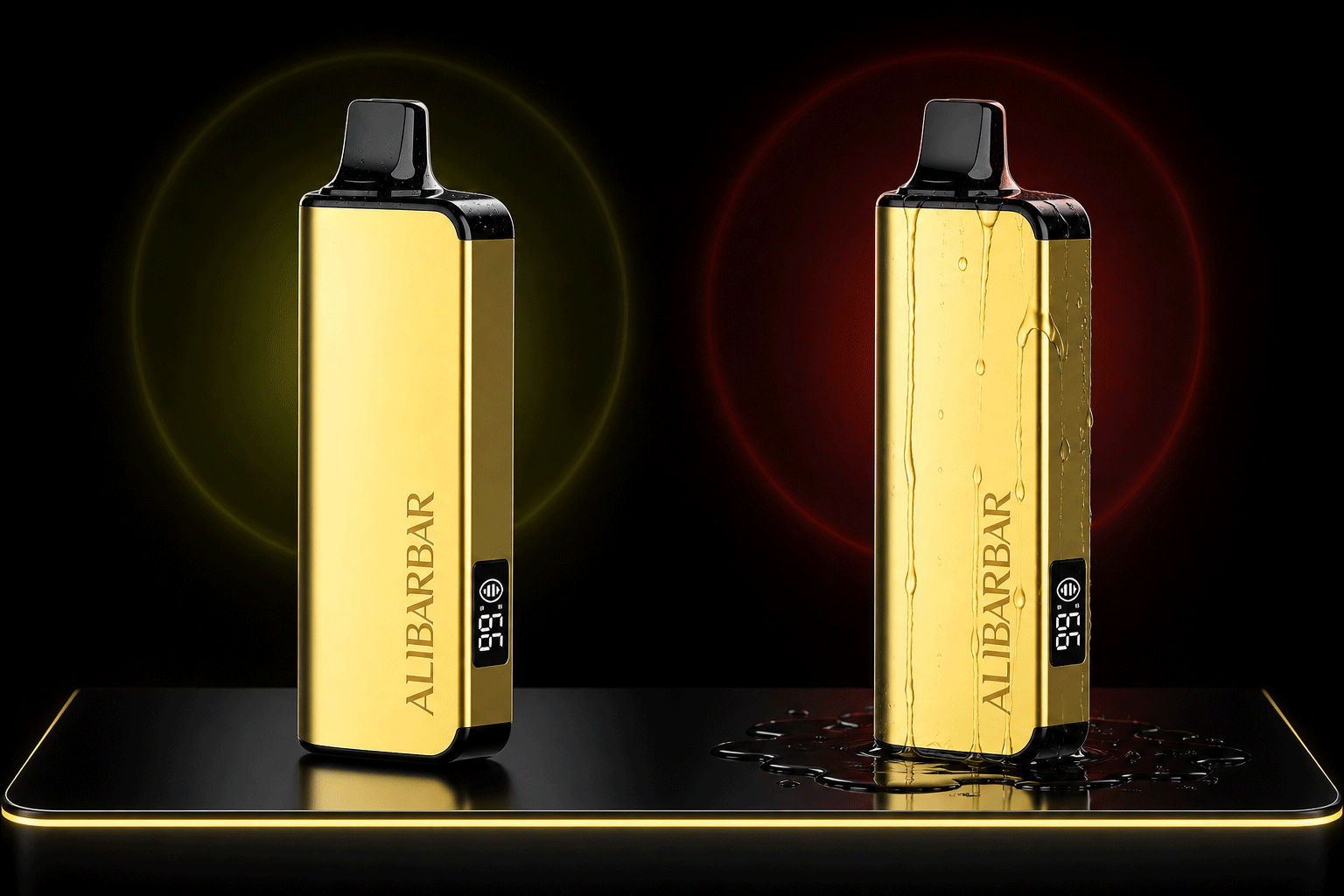
Safe External Care
- Keep the device upright when possible.
- Wipe accessible moisture with a clean, dry tissue.
- Store it at a stable room temperature.
- Stop using it if liquid repeatedly reaches the mouth.
Avoid These Actions
- Do not insert cotton swabs deep into the internal chimney.
- Do not pour alcohol or water into the mouthpiece.
- Do not shake the device forcefully.
- Do not blow backwards into the device.
What You Should Never Do
Recommended
- Perform visual external checks only.
- Use a dry tissue for accessible surface moisture.
- Keep the device away from extreme heat and water.
- Contact the seller if a new device appears defective.
- Use an appropriate local disposal or recycling service.
Never Attempt
- Do not recharge the device.
- Do not attach wires or an improvised USB cable.
- Do not open, cut or puncture the casing.
- Do not insert needles, pins or metal tools into openings.
- Do not drop, hit or forcefully shake the device.
- Do not continue using a hot, swollen or badly leaking device.
When Should You Stop Using the Device?
Stop using the ALIBARBAR Ingot 9000 when any of the following occurs:
- The casing becomes unusually hot.
- The body appears swollen, crushed, cracked or separated.
- There is heavy or persistent liquid leakage.
- The device activates without a draw.
- A chemical, burning or electrical smell is present.
- The burnt taste continues after the device has rested.
- The e-liquid display is empty and flavour or vapour has ended.
- A new device remains unresponsive after external packaging is removed.
How to Dispose of a Non-Rechargeable Device
The ALIBARBAR Ingot 9000 contains an embedded battery and should not be placed in ordinary household rubbish, kerbside recycling or general hard-waste collection.
Disposal services differ by council and state. Look for a local e-waste or embedded-battery collection service, or contact your local council for instructions. Do not open the casing to remove the battery yourself.
Australian battery-safety guidance: ACCC Product Safety lithium-ion battery guide .
Local vape disposal information: Recycling Near You .
Battery and disposal guidance in this article is informed by Australian product-safety and recycling resources, including Product Safety Australia and Recycling Near You.
Frequently Asked Questions
Is the ALIBARBAR Ingot 9000 rechargeable?
No. The model covered in this guide is non-rechargeable and has no USB or Type-C charging port. Do not open or modify it to connect a charger.
Does the screen show battery percentage?
No. The side display indicates the approximate remaining e-liquid level. It does not display battery percentage.
Why is my new ALIBARBAR not working?
Check that the silicone mouthpiece protector and any clear sticker covering the base or airflow area have been completely removed. If the device remains unresponsive, contact the seller rather than opening or hitting it.
Why is my ALIBARBAR producing no vapour?
Make sure no external airflow opening is covered, wipe accessible condensation with a dry tissue and leave the device upright for several minutes. If it remains unresponsive, it may have reached the end of its operating life or developed an internal fault.
Can I use a needle to clean the airflow hole?
No. Avoid inserting needles, pins or metal objects into the device. They can damage internal parts or contact the embedded battery.
What should I do when the flavour tastes burnt?
Stop using the device, check the e-liquid level and leave it upright in a cool, dry location for 10 to 15 minutes. If the burnt taste returns, stop using the device permanently.
Is a small amount of condensation normal?
A small amount of accessible surface moisture can be condensation and may be wiped away with a dry tissue. Persistent leakage, spitback or liquid running over the casing is a reason to stop using the device.
Can I throw the device in a household bin?
No. It contains an embedded battery. Use a local e-waste or embedded-battery disposal service and follow your council’s advice.
Final Troubleshooting Checklist
Start by removing all external packaging, checking the visible airflow area, wiping accessible condensation and reading the e-liquid display correctly. Remember that the screen indicates liquid level only and that the device cannot be recharged.
External checks may resolve minor packaging or condensation issues, but a sealed disposable device is not designed for internal repair. Stop using it when it remains unresponsive, tastes persistently burnt, leaks heavily, becomes unusually hot or shows physical damage.
Related ALIBARBAR Guides
Safety References
- ACCC Product Safety — Lithium-ion Batteries Guide.
- Australian Government Department of Health — About Vaping and E-cigarettes.
- Recycling Near You — Vape Disposal and Recycling Information.